Searches course and quiz updates directly on your device. Your emails never leave your computer.
Turn chaotic class announcements into a calm semester schedule.
QuizRadar reviews course updates from Gmail, Microsoft Teams, Moodle, and Google Classroom directly on your device, matching fuzzy dates against your enrolled class timetable. Every quiz, conflict warning, and study session appears on one clear calendar — completely private, free, and zero-server.
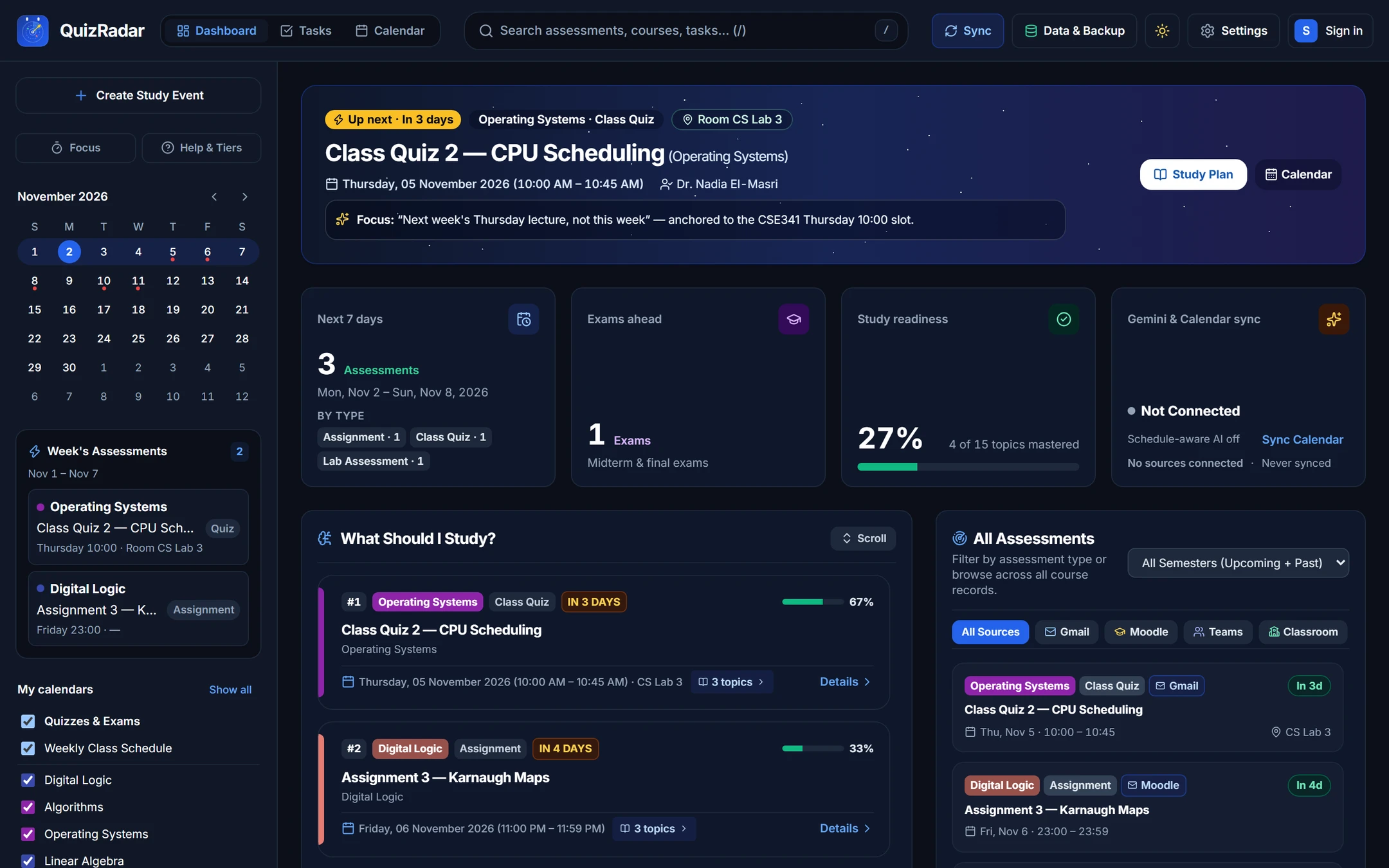
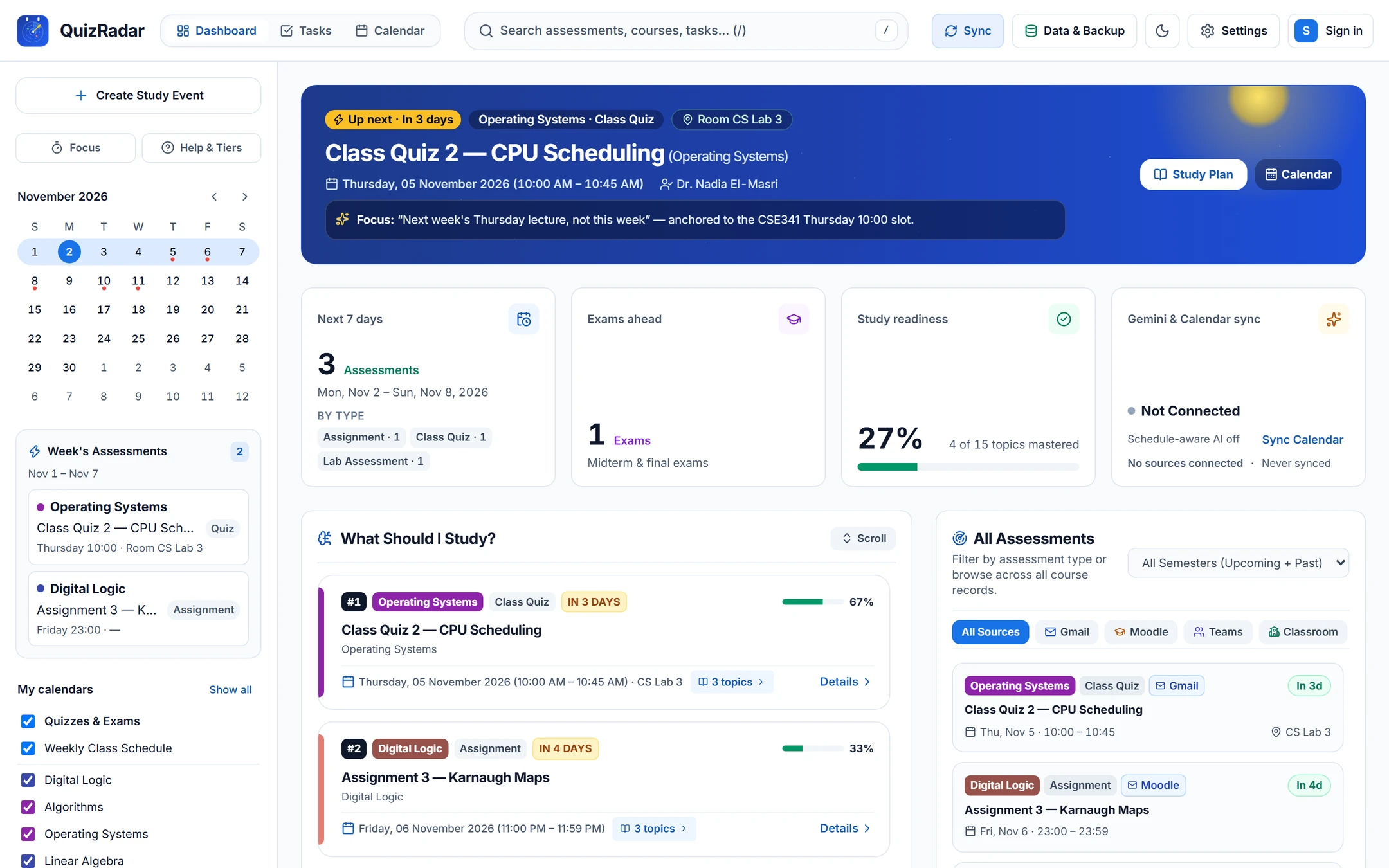
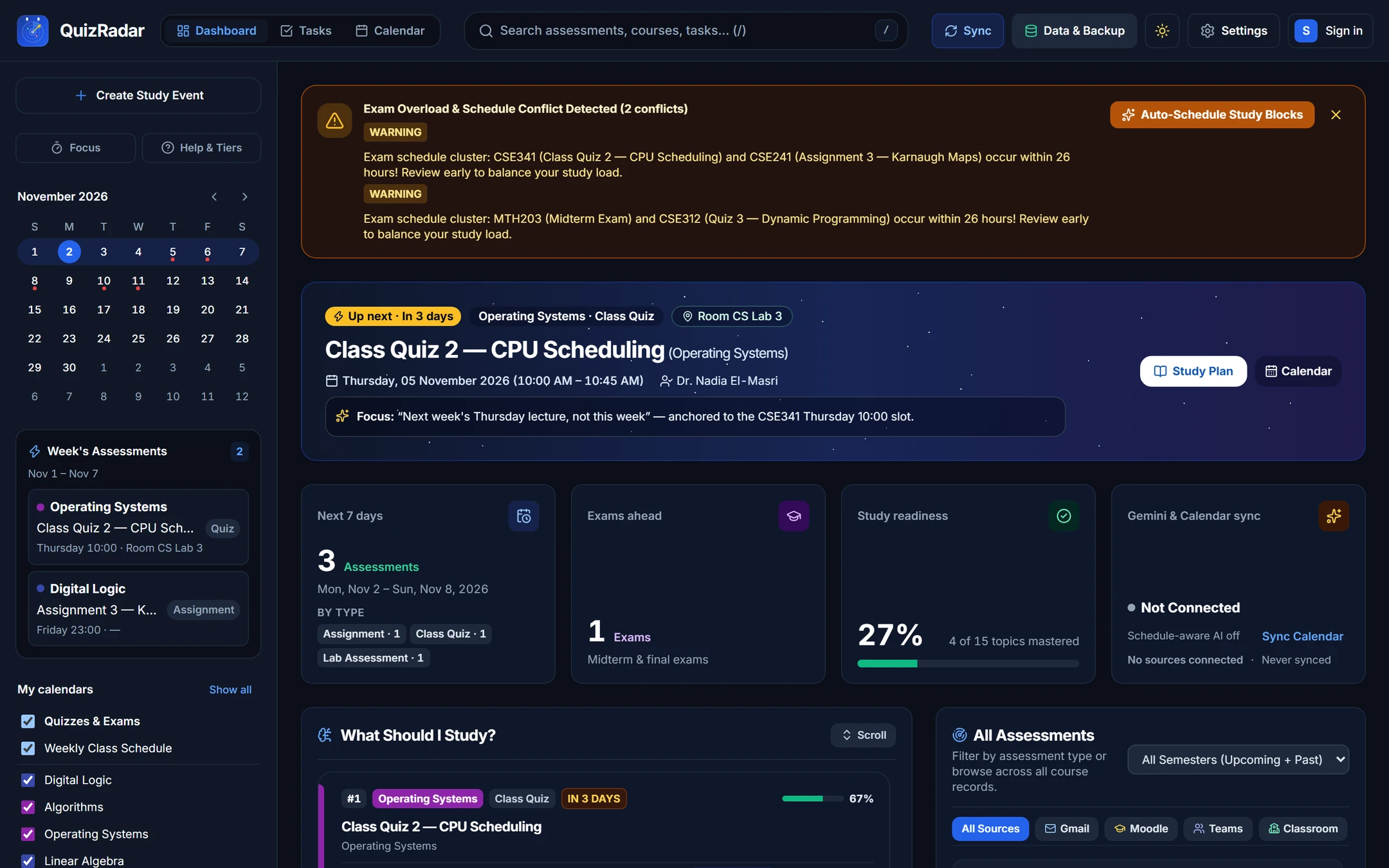
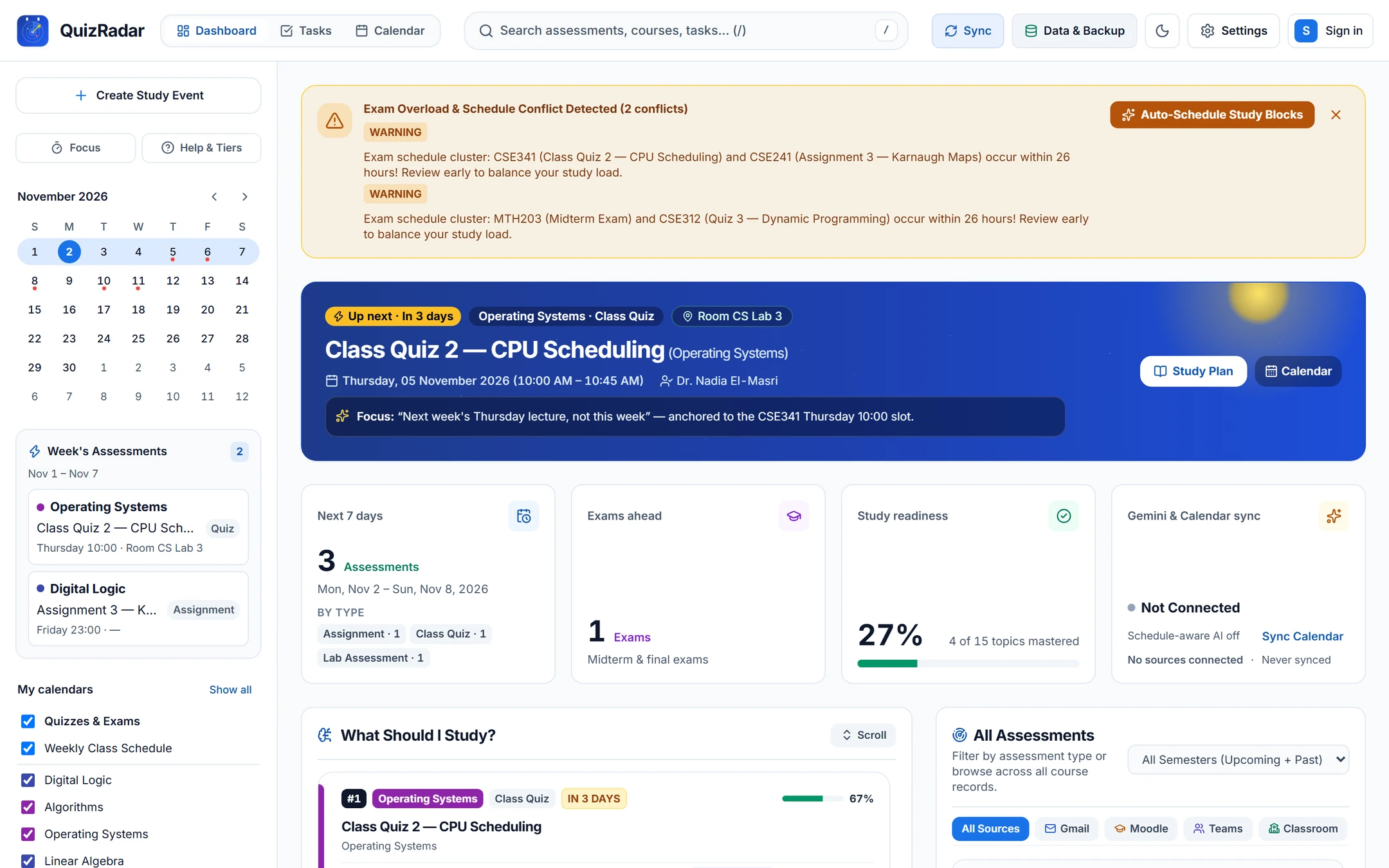
How fuzzy class messages become an exact study schedule.
Professors rarely send clean calendar invites. QuizRadar reads announcements the way students do — matching casual phrases against your weekly lectures, tutorials, and lab times.
-
Your professor posts an announcement with a fuzzy date.
Announcements rarely include a clean calendar invite. Professors write relative dates across Gmail, Microsoft Teams, Moodle, or Google Classroom — and QuizRadar checks them privately on your device without your passwords leaving your computer.
CSE 341 · Operating Systems Gmail · Thu, Oct 29“Class Quiz 2 on CPU Scheduling is moved to next week’s Thursday lecture, not this week.”
Anchored Slot Relative date recognized (+7d shift)Room Pending timetable matchYour inbox is scanned locally — nothing leaves this device. -
Matches the course against your enrolled class schedule.
Instead of defaulting to midnight or dropping a vague all-day reminder, QuizRadar looks up your enrolled lecture, tutorial, or lab slot for that exact course and section.
CSE 341 · Operating Systems · Sec 1 Enrolled Class Slot“Thursday Lecture · 10:00 AM – 11:30 AM · CS Lab 3”
Anchored Slot Thu, Nov 5 · 10:00 – 10:45 AMRoom CS Lab 3Exact lecture time & room inherited from your timetable -
Pinned to your schedule — without guessing missing details.
If an exam room hasn’t been announced yet, QuizRadar clearly displays “—” so you always know what is confirmed. When two quizzes land close together, Conflict Radar helps you carve out focused study time.
MTH 203 · Linear Algebra · Midterm Microsoft Teams · Room Pending“Midterm confirmed for the Tuesday after next during tutorial time. Exam hall TBA by registrar.”
Anchored Slot Tue, Nov 10 · 1:00 – 2:30 PMRoom —Unannounced room stays “—” · Original announcement preserved
Connects directly to your university tools — never through our servers.
Your device connects straight to Google, Microsoft, or your campus Moodle portal. Your passwords and access tokens stay locked in your device's secure vault and never pass through an outside relay.
Reads class announcements and channel posts to detect date changes and upcoming midterms.
Imports quizzes, assignment deadlines, and private calendar feeds directly from your university Moodle.
Pulls active coursework deadlines, assignments, and syllabus topics from your enrolled classes.
Exports confirmed exams to your calendar or downloads standard .ics files — never reads personal events.
Optional backup of your courses, topics, and study progress stored safely in your personal Google Drive.
Everything you need for exam week, built into one calm workspace.
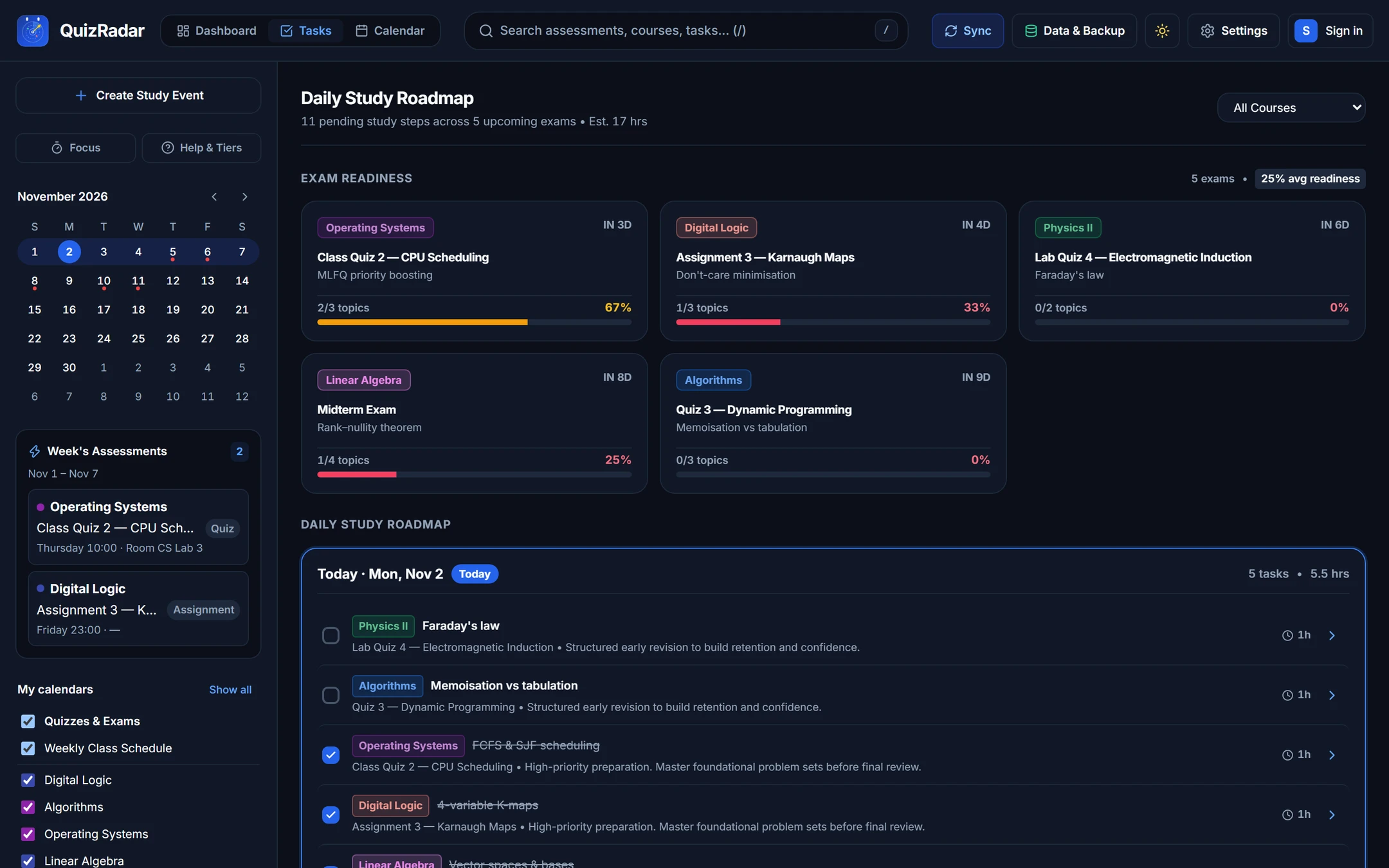
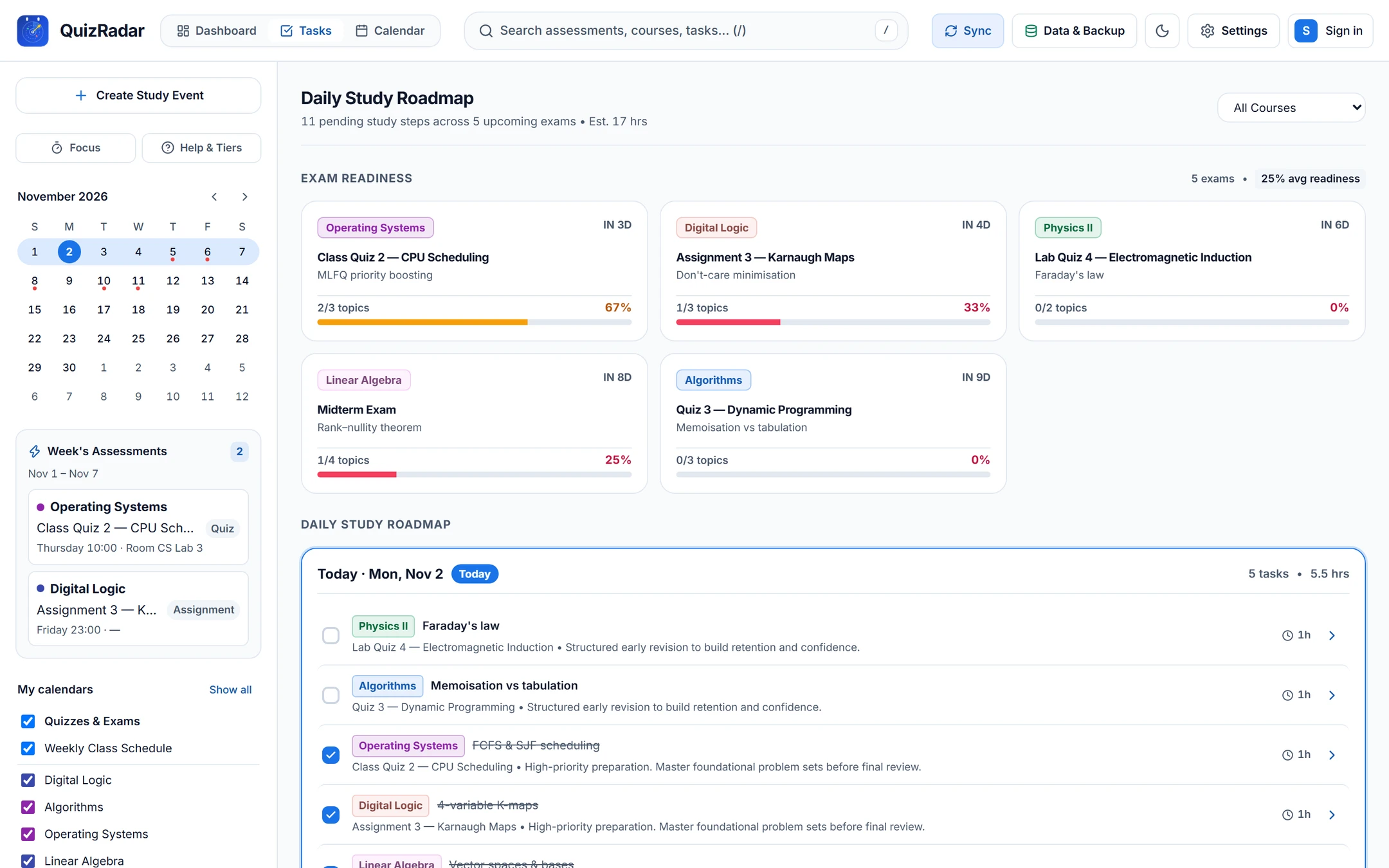
Once an exam is scheduled, QuizRadar flags tight deadlines, sets aside focused study blocks in your free hours, and tracks topic progress without clutter.
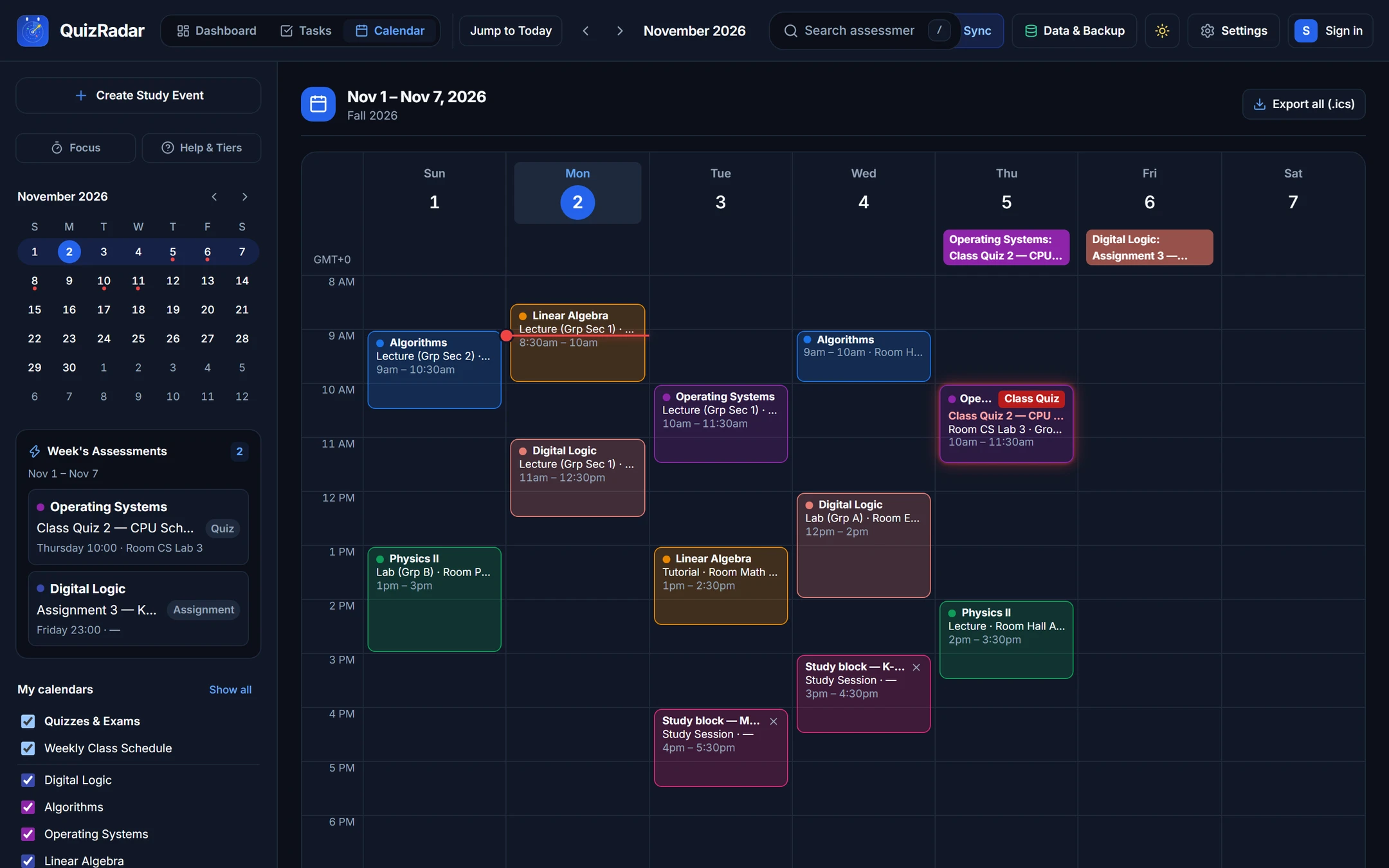
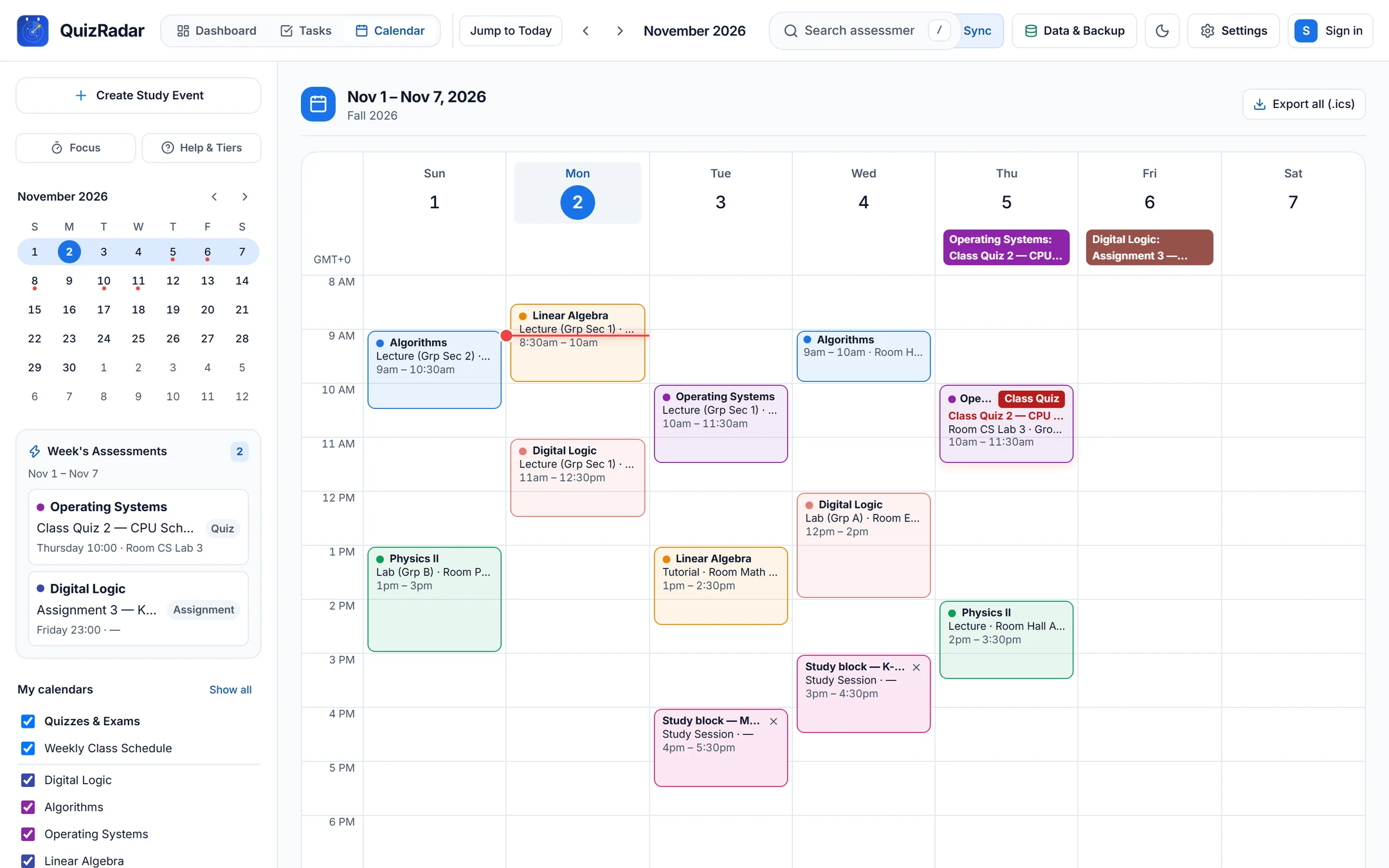
Classes, confirmed exams, and dedicated study time on one clear weekly grid
Anchored quizzes appear inside the exact lecture or lab slot where they take place. When
two exams or major deadlines land close together, one click schedules quiet study sessions
in your free time — ready to export to Google Calendar or save as an .ics
file.
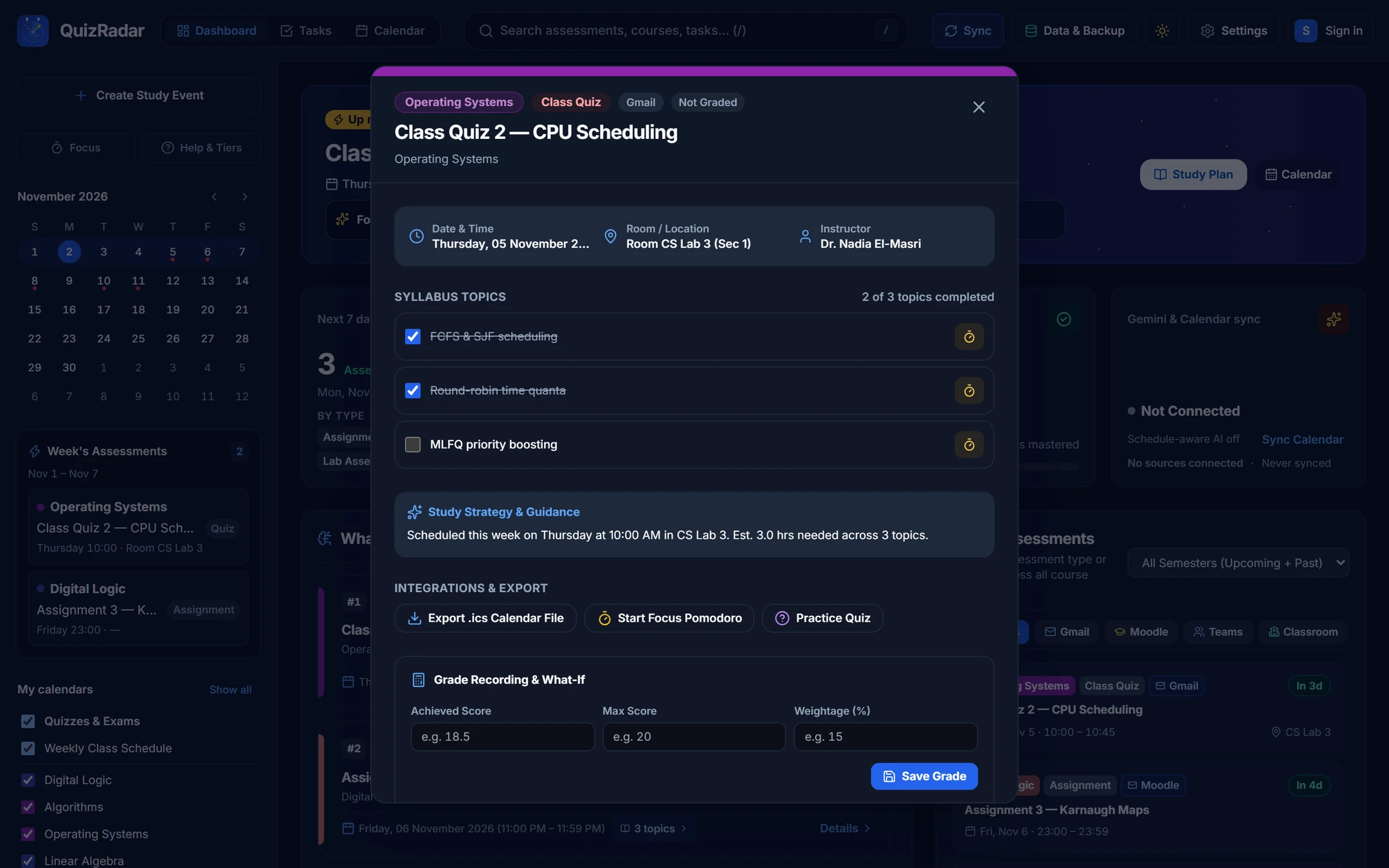
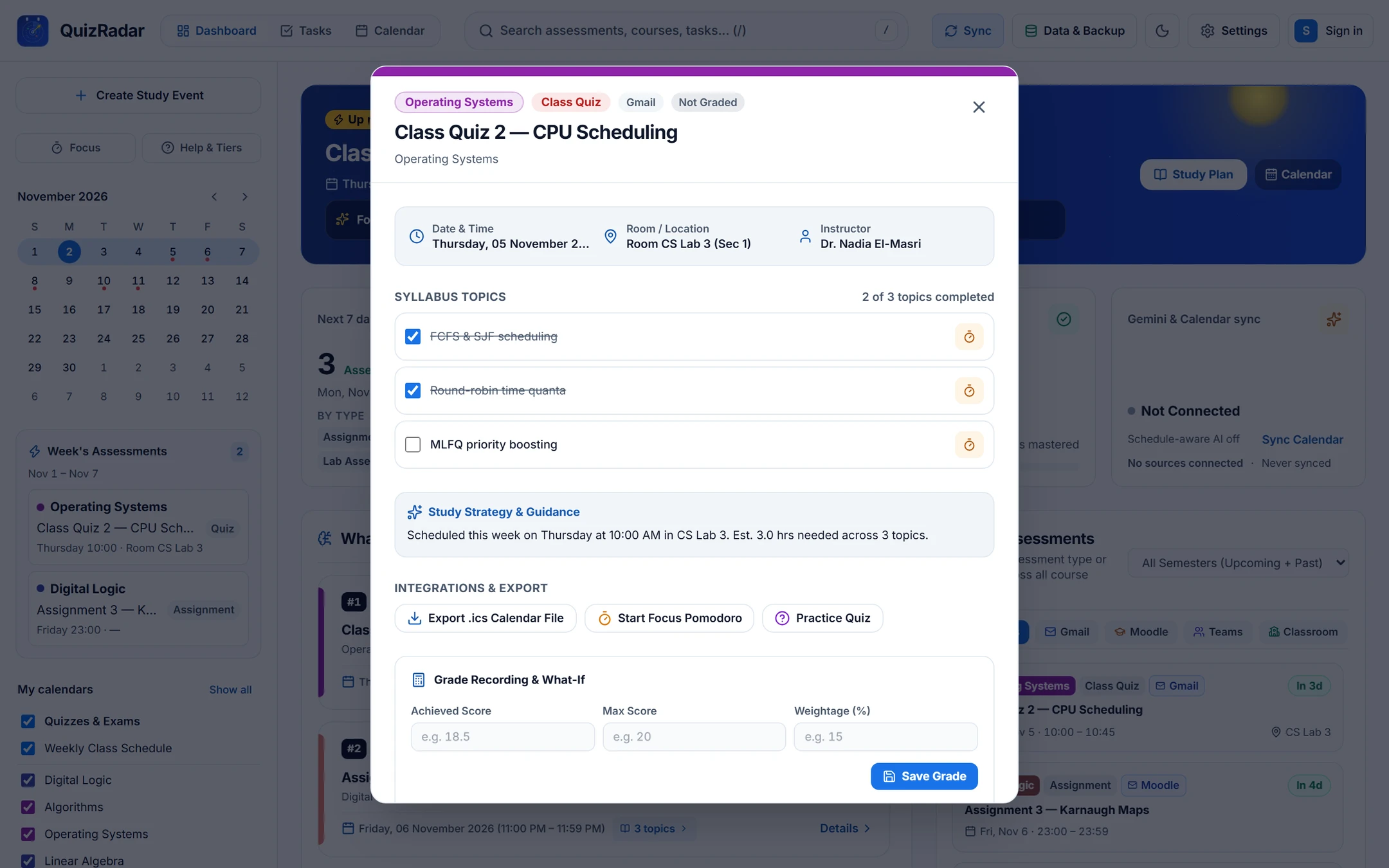
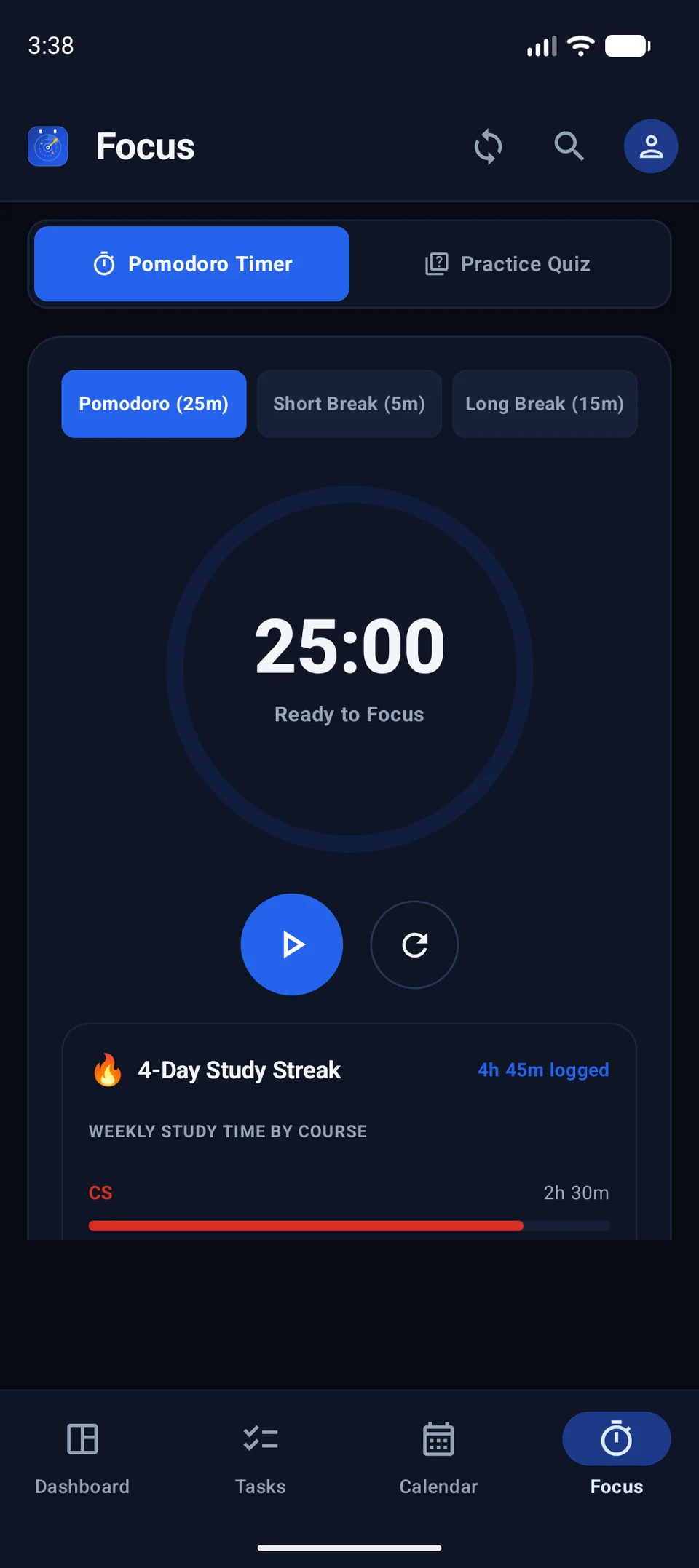
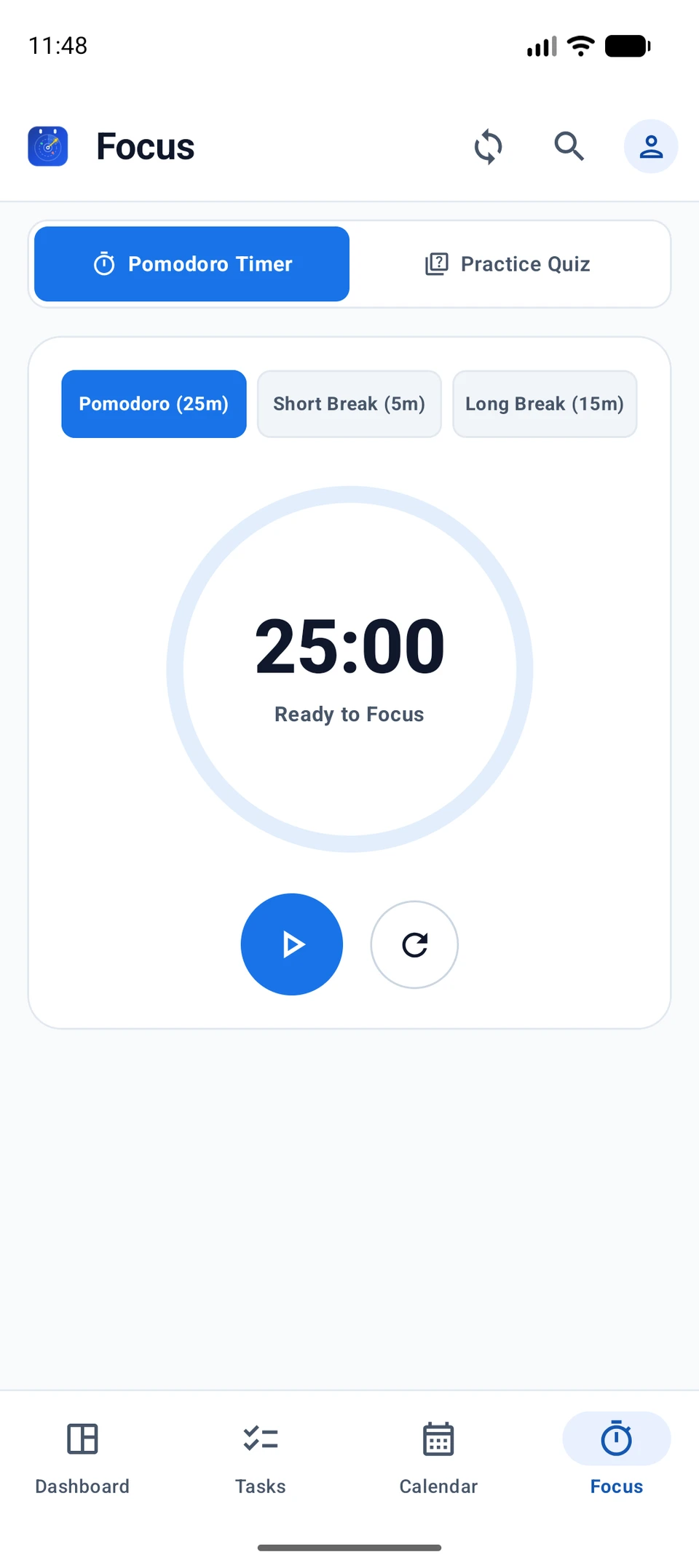
Checkable syllabus topics, Pomodoro focus, and Grade What-If
Break each exam into concrete topics, launch a built-in 25-minute focus session, drill sample questions offline (or connect an optional AI key), and calculate the exact exam score needed for your target grade.
Your exam countdown right on your Android home screen.
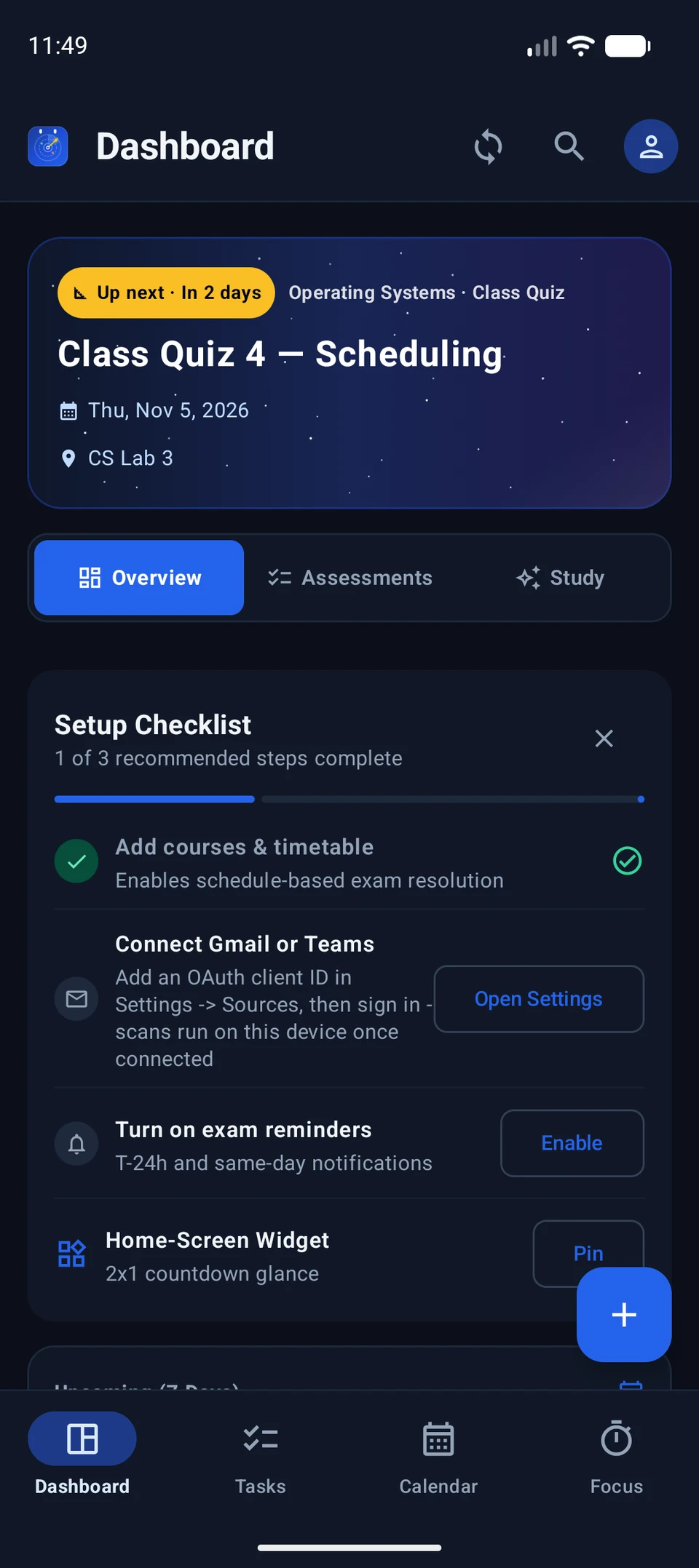
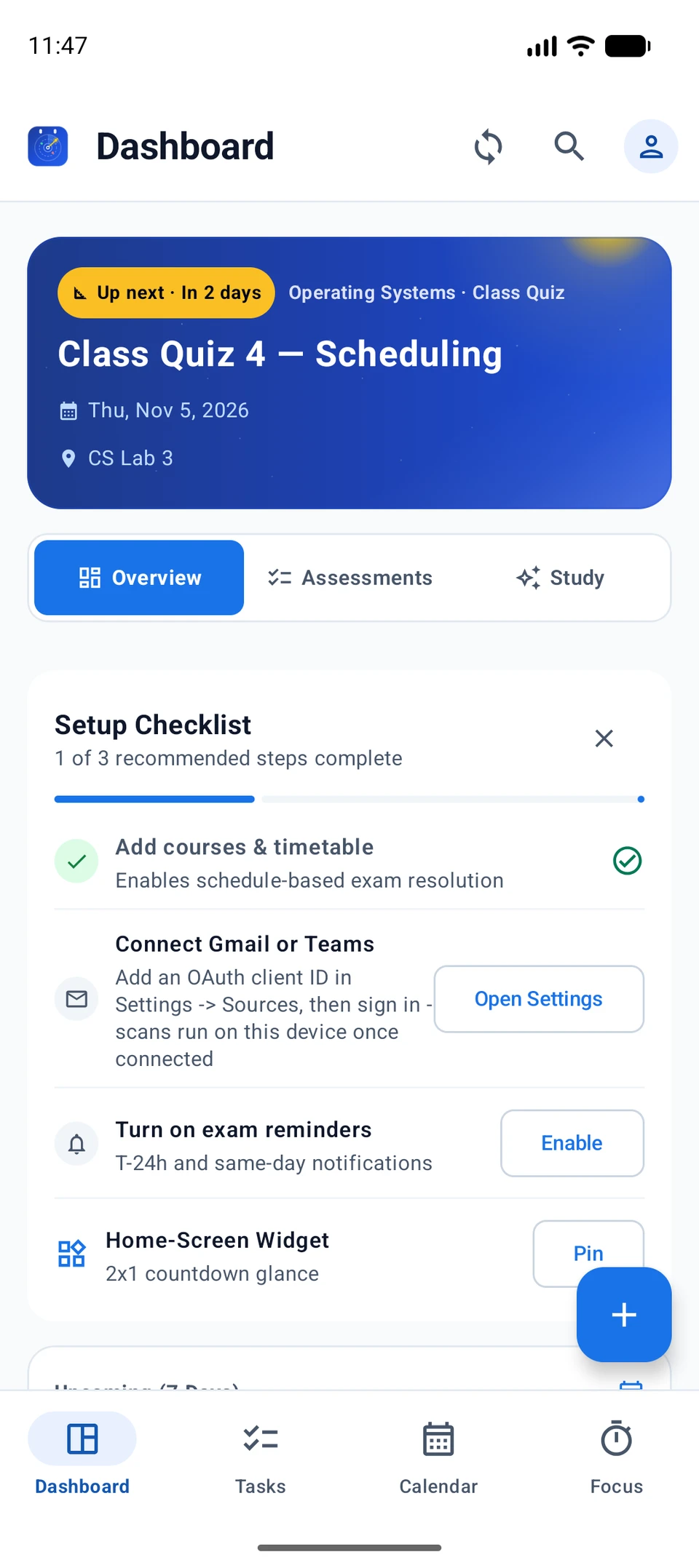
Built as a fast, native Android app designed for students on the move, with instant glanceable countdowns and private on-device study reminders.
- Share-Sheet Quick Add: Share messages from WhatsApp, Telegram, or class group chats directly into QuizRadar to add exam dates in one tap.
- On-Device Reminders: Receive timely study and exam alerts scheduled locally on your phone — no push servers or data collection.
- Hardware-Backed Protection: Your login credentials stay protected inside Android's secure system vault.
Does QuizRadar send my emails, grades, or tokens to a server?
Never. QuizRadar has zero backend servers, zero user accounts, and zero telemetry. Your access tokens stay protected inside your device's secure vault (Windows Credential Manager, macOS Keychain, Linux Secret Service, or Android Keystore), and all announcements are processed locally on your machine.
Do I need a Gemini API key for QuizRadar to work?
No. Every core feature — announcement parsing, timetable matching, conflict detection, study session scheduling, Grade What-If projections, and flashcard quizzes — works 100% offline using built-in rules. Adding an optional AI key is completely up to you.
What happens when a professor hasn’t announced the exam room yet?
QuizRadar follows a strict Honesty Doctrine: unannounced rooms render as “—”, never a fabricated placeholder, and every anchored date displays the original announcement quote so you can verify the details yourself.
Will Google Calendar sync overwrite or read my personal events?
No. Calendar export is strictly one-way and requires your explicit action. When you choose to export, QuizRadar only writes the specific study events or exams you confirm, and never reads or touches your personal calendar.
How do I move my semester schedule between Desktop, Web, and Android?
Use Data & Backup to export an encrypted snapshot file (or use your private Google Drive backup) and open it on your other device. Each device connects to your class sources independently, so your passwords never travel across the internet.
What is the difference between the Desktop/Android apps and the Web Companion?
All three versions share the exact same core scheduling engine. The Desktop and Android apps add persistent on-device background checks, lock-screen notifications, and the Android home-screen widget, while the Web Companion runs instantly in any modern browser with zero installation.
Put your semester on the radar.
Free, private, and open source under the MIT License. Install on your laptop or phone for automatic schedule checks, or try the Web App instantly in your browser.